The Bambu Lab A1 Mini is a desktop powerhouse known for its incredible speed, but when it comes to decorative 3D models—where every layer line and surface detail matters—full speed isn’t always your friend. To achieve “museum-quality” results for statues, vases, or intricate home decor, you need to optimize your Bambu Lab A1 Mini speed settings to balance acceleration with precision.
Here is the ultimate guide to refining your parameters for the best possible aesthetic finish.
1. The “Outer Wall” Rule for Surface Quality
The most visible part of your print is the outer wall. While this machine can easily handle 300 mm/s, high-speed vibrations can cause “ringing” or “ghosting” on decorative surfaces. To fix this, you should adjust your Bambu Lab A1 Mini speed settings by reducing the Outer Wall Speed to 50-80 mm/s. Slower speeds allow the nozzle to lay down plastic more consistently, giving you a smooth, glossy finish that effectively hides layer lines.
2. Prioritize Wall Order
For decorative pieces with sharp details, the order in which walls are printed is crucial.
- Optimal Setting: Set Wall Order to Outer-Inner.
- Why? Printing the outer wall first ensures better dimensional accuracy. It prevents the inner structures from “bleeding” through the surface, making it a vital part of your specialized Bambu Lab A1 Mini speed settings for art pieces.
3. Taming Acceleration and Jerk
High acceleration is what makes the A1 Mini fast, but it’s also what causes the frame to vibrate during sharp turns. Lower your Outer Wall Acceleration to 500 mm/s² and Jerk to 7-9 mm/s. This “softens” the movements at corners, eliminating the tiny ripples often seen on curved surfaces.
4. Layer Height and Cooling
For decor, 0.08mm or 0.12mm layer heights are the sweet spots. However, fine layers need time to cool. Ensure your Minimum Layer Time is at least 8 seconds. Using the Variable Layer Height tool in Bambu Studio is also a great way to complement your Bambu Lab A1 Mini speed settings, as it applies detail only where it’s needed most.
Conclusion
The A1 Mini is capable of producing stunning details that rival resin prints. By slowing down the outer layers and refining your acceleration, you transform this speed machine into a high-precision tool for art.
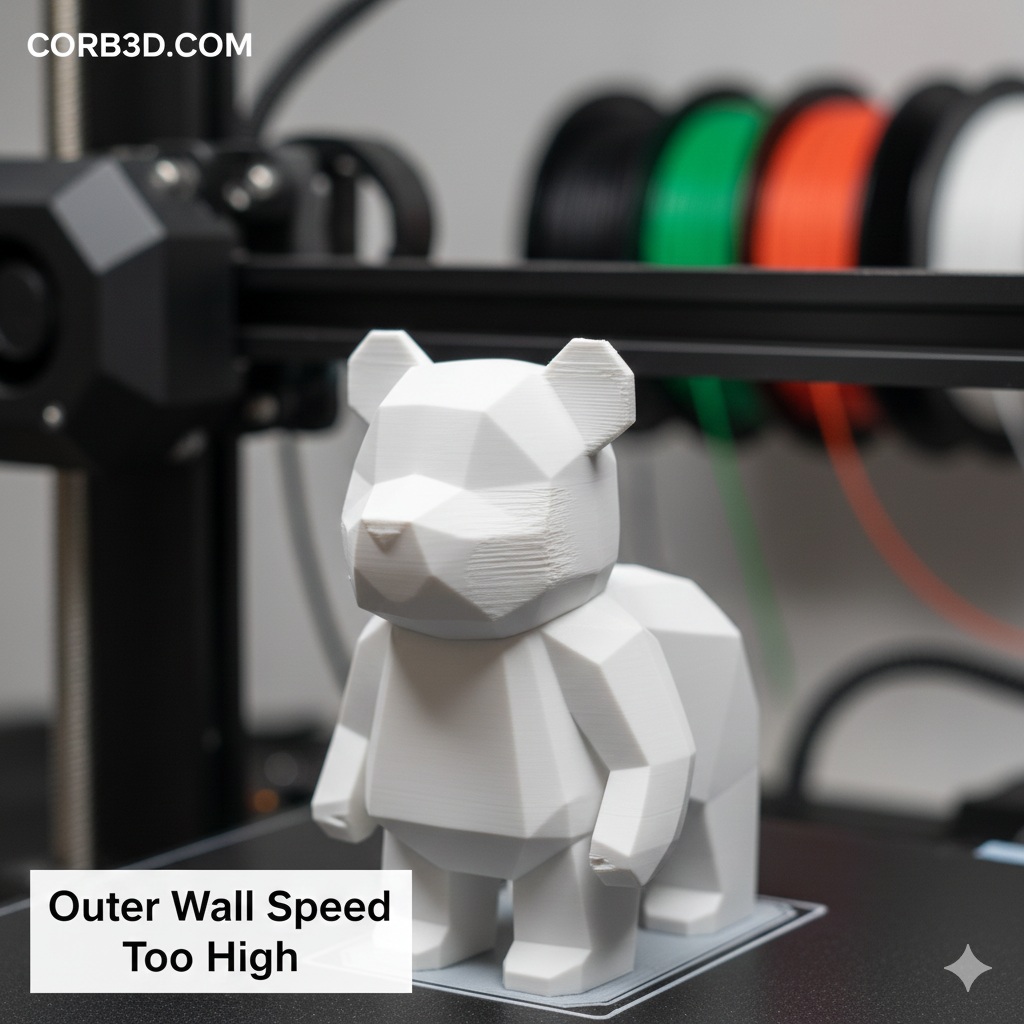
Try These Settings! > You can test these high-quality speed settings by downloading our Geometric Sitting Bear 3D Model. This minimalist low-poly design is the perfect project to see how slower outer wall speeds can create razor-sharp edges and a flawless surface finish on your Bambu Lab A1 Mini.