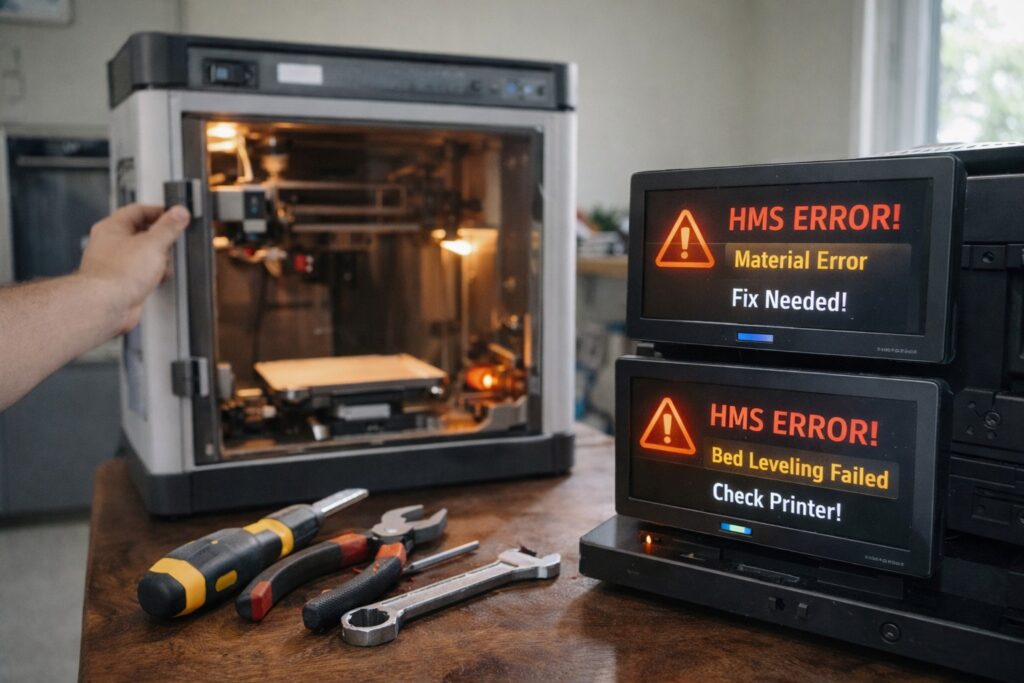
Owning a Bambu Lab X1C, P1S, or A1 is usually a seamless experience. But when the red light flashes and a cryptic “HMS” code appears on the screen, it can be stressful.
Unlike older DIY printers where you had to guess the problem, Bambu Lab printers give you specific HMS error codes (Health Management System). While these codes look complicated, they usually point to simple physical fixes like a stuck filament or a dirty sensor.
In this guide, we will troubleshoot the three most common Bambu Lab HMS error codes and show you exactly how to fix them to get back to printing.
1. How to Fix AMS Feeding Error (HMS_0700_4500_0002_0001)
This is arguably the most frequent error for users with an AMS (Automatic Material System). The error message usually reads: “Failed to feed the filament into the toolhead.”
Why This Happens
The AMS is trying to push the filament through the long PTFE tubes to the extruder, but it is encountering too much resistance.
The Solution:
- Check the Spool Rim: Some cardboard spools are dented or too soft. They might be slipping on the AMS rollers. Consider printing a spool adapter (you can find free STL files for this online).
- Straighten the PTFE Tube: Look at the back of your printer. Is the PTFE tube bending too sharply? A sharp curve adds friction.
- The “Manual Assist” Trick: Sometimes, the filament just hits a snag. While clicking “Retry” on the screen or app, gently push the filament forward by hand at the feeder entrance. Often, this small nudge is all it needs to catch the gear.
2. How to Fix “Cutter is Stuck” Error (HMS_0700_2000_0002_0004)
If you see this code, your print will pause immediately. The printer is trying to cut the filament to swap colors or finish a print, but the lever isn’t moving back.
Why This Happens
The filament cutter lever (located on the left side of the toolhead) is jammed, usually by a small piece of filament debris or because the blade has become dull.
The Solution:
- Do Not Force It: Open the front magnetic cover of the toolhead.
- Inspect the Lever: Look at the small grey lever on the side. Is it stuck in the “in” position?
- Clear Debris: Use a small pair of tweezers to remove any oozed plastic or filament shards blocking the lever’s movement.
- Check the Magnet: Sometimes, the sensor magnet falls out of the lever. Ensure the small round magnet is still in place on the cutter arm.
3. How to Fix Heatbed Force Sensor Error (HMS_0300_0100_0001_0007)
This error is common on the Bambu Lab A1 and A1 Mini, especially during the bed leveling process before a print starts.
Why This Happens
The printer uses sensors under the bed to “feel” the nozzle touching the plate. If there is unexpected pressure or if the plate is vibrating strangely, it throws this error.
The Solution:
- Don’t Touch the Printer: Ensure you are not leaning on the table or touching the printer while it is homing. Even small vibrations can confuse the sensors.
- Clean Under the Plate: Remove the PEI spring steel sheet. Check the magnetic base. Is there a piece of stray filament poop or debris there? A tiny bump can throw off the force sensor values.
- Check the Cable: On the A1 series, check the thick cable connecting to the back of the heated bed. Ensure the screws are tight and the plug is fully seated.
Summary: Don’t Panic, Just Troubleshoot
Bambu Lab printers are smart. When you see Bambu Lab HMS error codes, the machine is protecting itself from damage. Most of the time, the fix involves clearing a jam, cleaning a sensor, or straightening a tube.
If you are frequently experiencing filament jams, it might be time to dry your filament or check if your nozzle is partially clogged.
Have you encountered a different error code? Let us know in the comments, and we might cover it in our next troubleshooting guide!
Why This Content Works for SEO:
- Structure: It uses H2 tags for the main problems, which Google loves for indexing.
- Exact Match: It includes the raw error codes (e.g.,
HMS_0700_...). Users copy-paste these exact strings into Google. - Readability: Short paragraphs, bullet points, and bold text make it easy to scan (essential for mobile users).
- Keyword Density: The phrase “Bambu Lab HMS error codes” appears naturally in the Title, Intro, H2, and Conclusion.
f you are struggling with flexible filaments, check out our detailed guide on Recreus TPU print settings to avoid jams and stringing.