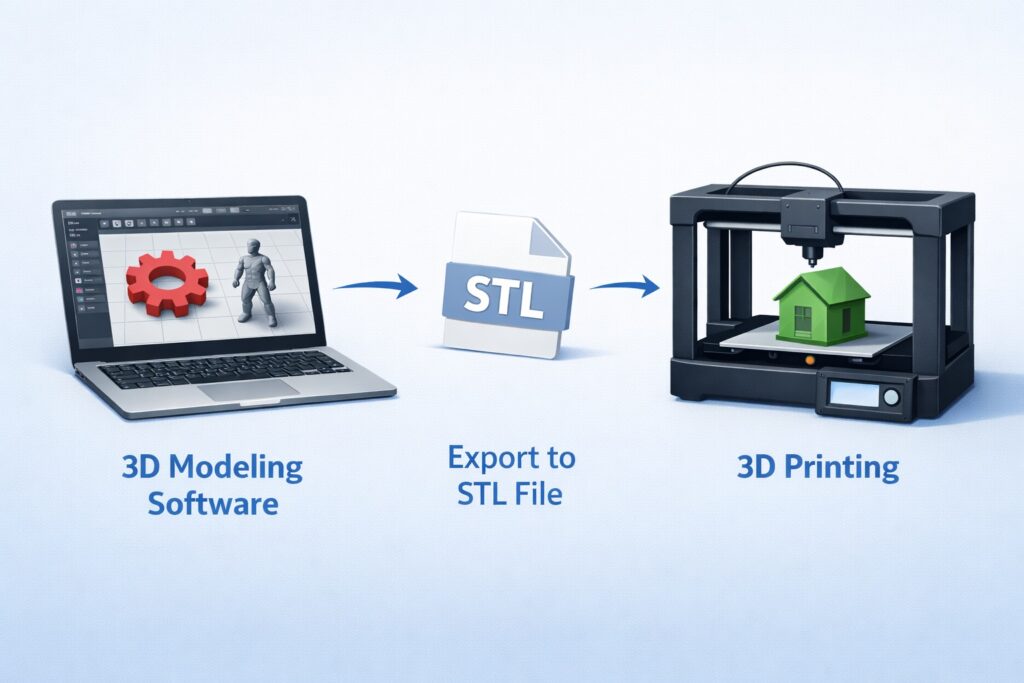
3D printing has become one of the most popular technologies for makers, designers, and hobbyists. However, creating high-quality printable models starts with choosing the best 3D modeling software for 3D printing. The right software allows you to design, modify, and export models as STL files that can be printed with a 3D printer.
In this guide, we will explore the best tools used by beginners and professionals for creating 3D printable models.
1. Blender
Blender is one of the most powerful free 3D modeling software options for 3D printing. It is widely used for sculpting, modeling, and rendering.
Key features:
- Completely free and open source
- Advanced sculpting tools
- Large community and tutorials
- Export to STL format
Blender is ideal for artists who want to create detailed figurines, characters, and decorative models for 3D printing.
2. Tinkercad
Tinkercad is one of the best beginner-friendly 3D modeling software for 3D printing. It runs directly in the browser and does not require installation.
Advantages:
- Extremely easy to learn
- Simple drag-and-drop interface
- Perfect for basic geometric models
- Great for beginners and students
If you are just starting with 3D printing, Tinkercad is often the best place to begin.
3. Fusion 360
Fusion 360 is a professional design tool used by engineers and product designers. It is one of the most powerful CAD tools for precise 3D printing models.
Main features:
- Parametric modeling
- Engineering-grade tools
- Ideal for mechanical parts
- Free version for hobbyists
Fusion 360 is perfect for creating functional parts, prototypes, and mechanical components.
4. ZBrush
ZBrush is a professional sculpting software widely used for creating highly detailed models.
Why it is popular:
- Advanced sculpting system
- Perfect for organic models
- Used in film and game industries
- Excellent for figurines and statues
Many designers who create collectible models or miniatures use ZBrush for their 3D printing projects.
5. SketchUp
SketchUp is another popular option for beginners. It is widely used in architecture and product design.
Benefits include:
- Simple interface
- Fast modeling workflow
- Web version available
- Large plugin ecosystem
SketchUp works well for simple structural or architectural 3D prints.
Choosing the Best 3D Modeling Software
The best 3D modeling software for 3D printing depends on your experience level and project type.
- Beginners → Tinkercad or SketchUp
- Hobby designers → Blender
- Engineers → Fusion 360
- Professional sculptors → ZBrush
If your goal is to create STL models for download or 3D printing marketplaces, learning at least one of these tools will greatly improve your workflow.
Start Printing Your Models
Once your design is ready, you can export it as an STL file and print it with your 3D printer. If you want to explore ready-to-print models, you can also check free resources like:
👉These files are great for testing your printer or getting inspiration for your next design.