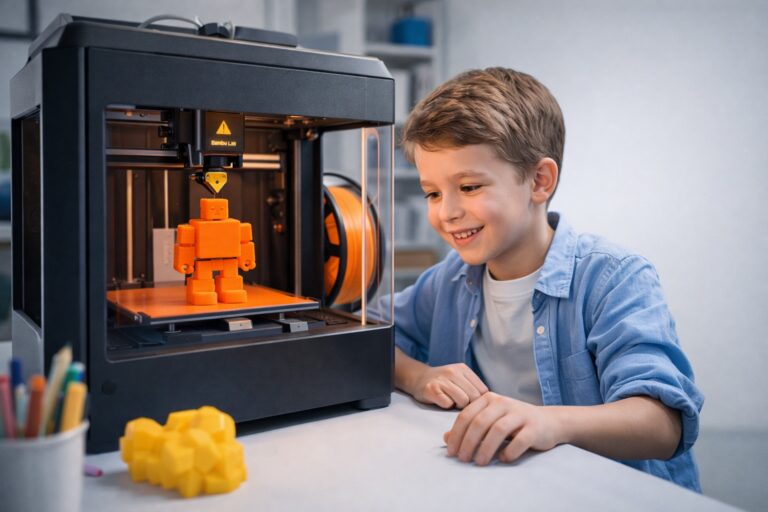
Bambu Lab 3D printers are known for their speed and reliability, but even advanced machines need properly tuned PLA profiles to deliver consistent results. Incorrect temperatures or print speeds can cause weak layer adhesion, rough surfaces, or stringing. This guide explains the best Bambu Lab PLA settings to help you achieve strong and smooth 3D prints with minimal trial and error.
Recommended PLA Settings for Bambu Lab (Quick Answer)
For most users, these PLA values provide stable and high-quality results on Bambu Lab printers:
- Nozzle Temperature: 210–220°C
- Bed Temperature: 55–60°C
- Print Speed: 150–200 mm/s
- Layer Height: 0.2 mm
- Cooling Fan: 100% after the first layers
- Infill Density: 15–20% (Gyroid recommended)
These settings work well with most PLA filament brands and offer a good balance between strength, surface quality, and print speed.
PLA Settings by Bambu Lab Printer Model
Bambu Lab A1 PLA Settings
The Bambu Lab A1 is designed for stability and ease of use. For optimal results:
- Keep print speed around 150 mm/s
- Disable the cooling fan for the first layer
- Ensure accurate bed leveling before printing
This setup improves first-layer adhesion and reduces surface defects.
Bambu Lab P1P PLA Settings
The P1P supports faster printing while maintaining quality:
- Recommended speed range: 180–200 mm/s
- Nozzle temperature: 215–220°C
- Cooling fan set to 100%
These adjustments help produce clean and durable PLA parts.
Bambu Lab X1 Carbon PLA Settings
For advanced users, the X1 Carbon delivers maximum performance:
- Stable prints at up to 200 mm/s
- AI error detection enabled
- 0.2 mm layer height for an ideal speed-to-quality ratio
Strength vs Surface Quality: Finding the Right Balance
- For stronger PLA parts:
- Slightly increase nozzle temperature
- Use more wall lines
- Reduce cooling during early layers
- For smoother surface finish:
- Lower print speed
- Use finer layer heights
- Enable full cooling after initial layers
Fine-tuning these parameters helps adapt prints for functional or visual needs.
Common PLA Printing Mistakes on Bambu Lab Printers
- Printing too fast without temperature adjustments
- Using the same PLA profile for every filament brand
- Ignoring cooling optimization
- Poor first-layer calibration
Avoiding these mistakes will noticeably improve print reliability.
Conclusion
With proper configuration, Bambu Lab printers can produce fast, durable, and clean PLA parts. The best Bambu Lab PLA settings outlined in this guide provide a reliable starting point for consistent results. Adjusting values based on your filament and printer model will further improve quality.
Looking to test these settings right away? Head over to Corb3D’s STL library at CORB3D — where you can download free STL models to print with your Bambu Lab machine and fine-tune your PLA settings for strength and surface quality.