Choosing the best plug and play 3D printer for kids and beginners can feel overwhelming, especially for parents with no prior 3D printing experience. Many printers advertise advanced features, but beginners need something very different: safety, simplicity, and reliability.
In this guide, we’ll explain what “plug and play” really means, which features matter most for kids, and which beginner-friendly 3D printers are worth considering.
What Does “Plug and Play” Mean in 3D Printing?
A plug and play 3D printer is designed to work right out of the box with minimal setup. Unlike traditional DIY printers, these models usually include:
- Pre-assembled frames
- Auto bed leveling
- Pre-configured slicer profiles
- Touchscreen interfaces
- Minimal calibration requirements
For kids and beginners, this means less frustration and more time actually learning and creating.
Why Plug and Play Matters for Kids
Children and first-time users often lose interest quickly if setup is complicated. A beginner-friendly printer helps them focus on creativity and problem-solving, not troubleshooting hardware issues.
Key benefits include:
- Faster first successful print
- Reduced risk of setup errors
- Safer operation with fewer exposed parts
- More confidence for young users
Parents also benefit from fewer technical headaches.
Looking for beginner-friendly test prints? You can download free STL models to get started and help kids succeed with their first prints.
Key Features to Look For in a Kids-Friendly 3D Printer
Not all “easy” printers are truly beginner-safe. These are the features that matter most:
1. Enclosed or Semi-Enclosed Design
An enclosure protects kids from hot components and improves print consistency. It’s one of the most important safety features.
2. Auto Bed Leveling
Manual bed leveling is frustrating even for adults. Auto leveling removes this step entirely and ensures consistent first layers.
3. Simple Software Experience
Look for printers with beginner-friendly slicer software and ready-made profiles. Complicated slicers can discourage new users.
4. Quiet Operation
Loud stepper motors can be distracting at home. Quiet printers are better suited for kids’ rooms or shared spaces.
5. Reliable Filament Loading
Automatic or guided filament loading reduces jams and user error.
Best Plug and Play 3D Printers for Kids and Beginners
Here are some well-known beginner-friendly options that consistently receive positive feedback:
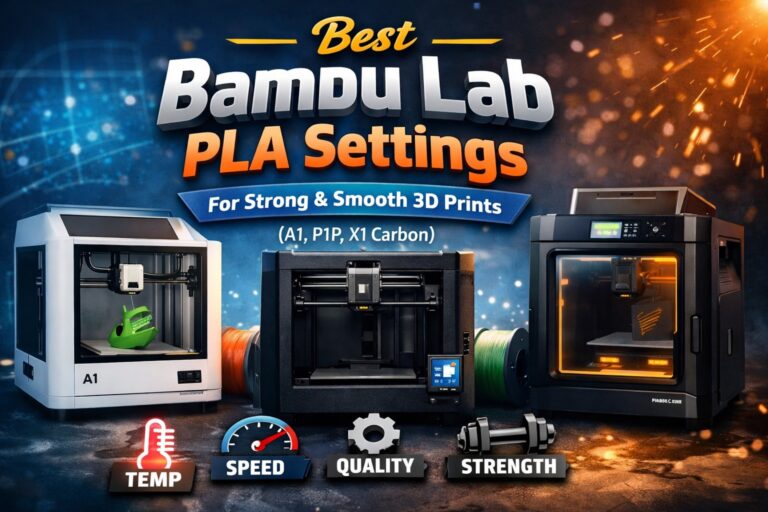
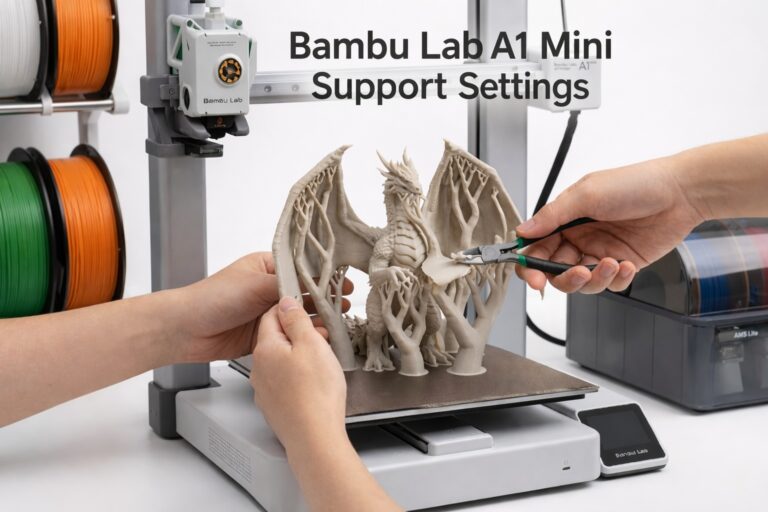
- Bambu Lab A1 / P1 Series
Known for extreme ease of use, auto calibration, and fast printing. These models are excellent for beginners, though supervision is still recommended for younger kids. - Creality Ender 3 V3 SE
A budget-friendly option with auto bed leveling and simple setup. Good for older kids and teens who want to learn basics. - Anycubic Kobra Series
Popular for ease of assembly and beginner-friendly features at a reasonable price point.
Each of these models balances simplicity and functionality, making them suitable for first-time users.
Is a Plug and Play 3D Printer Safe for Kids?
Yes — with supervision and the right model.
Safety tips for parents:
- Choose enclosed printers when possible
- Place the printer on a stable, elevated surface
- Teach kids basic safety rules (hot nozzle awareness)
- Start with PLA filament, which prints at lower temperatures
When used responsibly, 3D printing can be a safe and educational activity.

Educational Benefits of 3D Printing for Children
A beginner-friendly 3D printer is more than a toy. It helps kids develop:
- Spatial thinking
- Basic engineering skills
- Problem-solving ability
- Creativity and design confidence
Many schools now use 3D printers to support STEM education, making home learning even more valuable.
What Can Kids Print First?
Start with simple, fast projects to build confidence:
- Small toys
- Keychains
- Desk organizers
- Simple educational models
After fixing or calibrating a printer, using test prints is a great way to verify print quality. You can download free STL models from your library to test extrusion and accuracy before moving on to bigger projects.
Final Thoughts
The best plug and play 3D printer for kids and beginners is one that removes complexity while keeping safety and reliability front and center. Features like auto bed leveling, simple software, and enclosed designs make a huge difference for first-time users.
With the right printer and a bit of guidance, kids can move from curiosity to creation faster than you might expect.
Comparison Table: Best Plug and Play 3D Printers for Kids and Beginners
| Model | Best For | Safety for Kids | Auto Calibration | Setup Difficulty | Why It’s Beginner-Friendly |
|---|---|---|---|---|---|
| Bambu Lab A1 | First-time users & kids | Open-frame (adult supervision recommended) | Fully automatic | Very easy | True plug-and-play experience, minimal setup |
| Bambu Lab P1S | Kids at home & enclosed safety | Fully enclosed | Automatic calibration | Easy | Safer design, stable prints, quiet operation |
| Creality Ender-3 V3 SE | Budget beginners | Open-frame | Auto bed leveling + auto Z | Easy | Affordable entry, simple learning curve |
| Anycubic Kobra 2 | Older kids & teens | Open-frame | Auto bed leveling | Easy | Fast setup, beginner-friendly software |