Bambu Lab may be a relatively new name in the 3D printing industry, but its printers have quickly earned a strong reputation for speed, reliability, and innovation. From the flagship X1E to the compact A1 mini, Bambu Lab machines offer advanced features such as automatic material systems (AMS), live camera monitoring, and high-speed CoreXY motion. To unlock their full potential, however, choosing the right slicer and design software is essential.
In this guide, we review the best slicers and software for Bambu Lab 3D printers, focusing on performance, compatibility, and real-world usability.
1. Bambu Studio – The Official Slicer for Bambu Lab
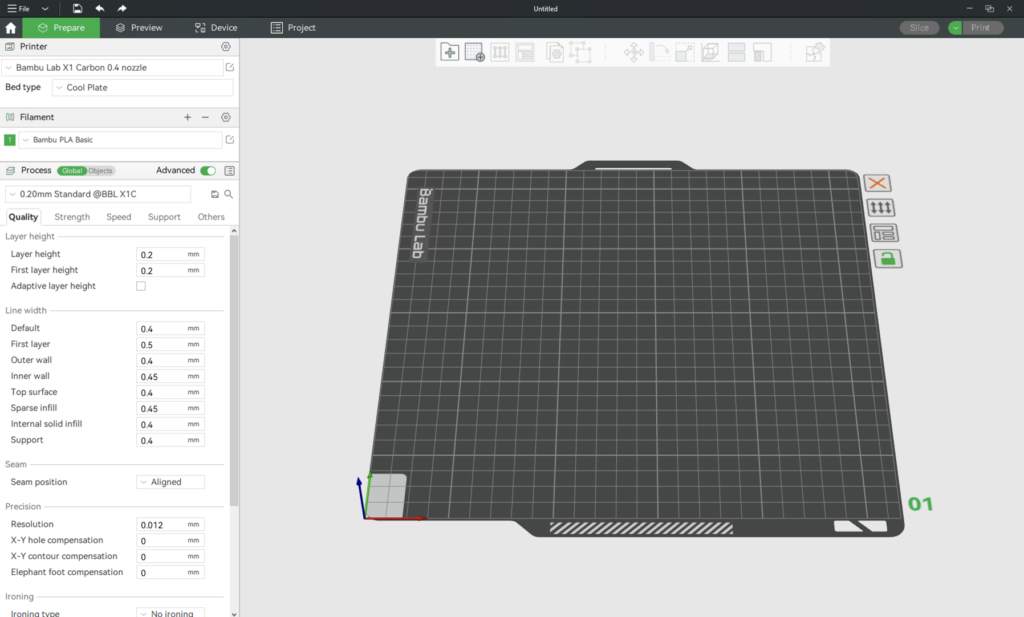
Bambu Studio is the official slicer developed by Bambu Lab and is based on PrusaSlicer, which itself originates from Slic3r. As the native solution, it provides seamless compatibility with all Bambu Lab printers and features.
One of its strongest advantages is its project-based workflow, allowing users to store models, slicer settings, filament profiles, notes, and even assembly instructions in a single file. This is especially useful for complex or multi-part projects. Bambu Studio also excels in multi-color printing, automatically mapping colors to AMS slots with minimal effort.
Remote printing, real-time monitoring, and optimized default profiles make Bambu Studio the best starting point for both beginners and advanced users.
2. Orca Slicer – Advanced Control and Community Innovation

Orca Slicer shares much of its DNA with Bambu Studio but pushes further with advanced calibration tools, Klipper support, and pressure advance tuning. While fully compatible with Bambu Lab printers, it also supports a wide range of other brands.
As a community-driven, open-source project, Orca Slicer often introduces new features faster than official slicers. Many experienced users prefer it for fine-tuning print quality and experimenting with cutting-edge slicing features.
3. Ultimaker Cura – Maximum Customization and Plugins
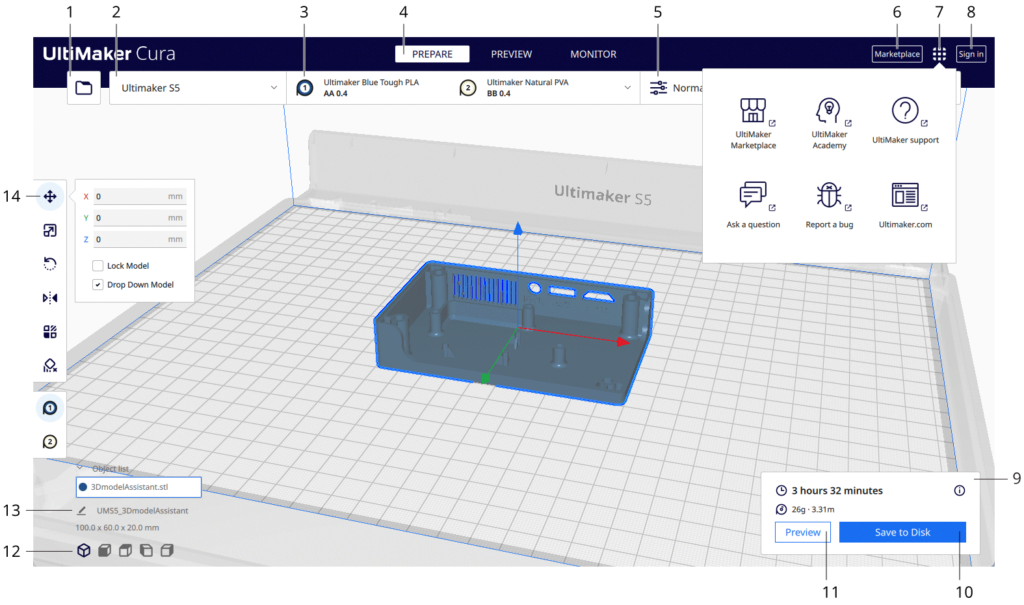
Although Ultimaker Cura does not natively support all proprietary Bambu Lab features, it remains a popular choice due to its powerful plugin ecosystem and extensive customization options. Community-made Bambu Lab profiles are available, making Cura usable with some limitations.
Cura stands out with its engine plugins, which allow users to modify the slicing process itself. Features like custom infill patterns and highly optimized community profiles make Cura appealing to advanced users who value flexibility over automation.
4. Fusion 360 – Design Software for Perfect Prints
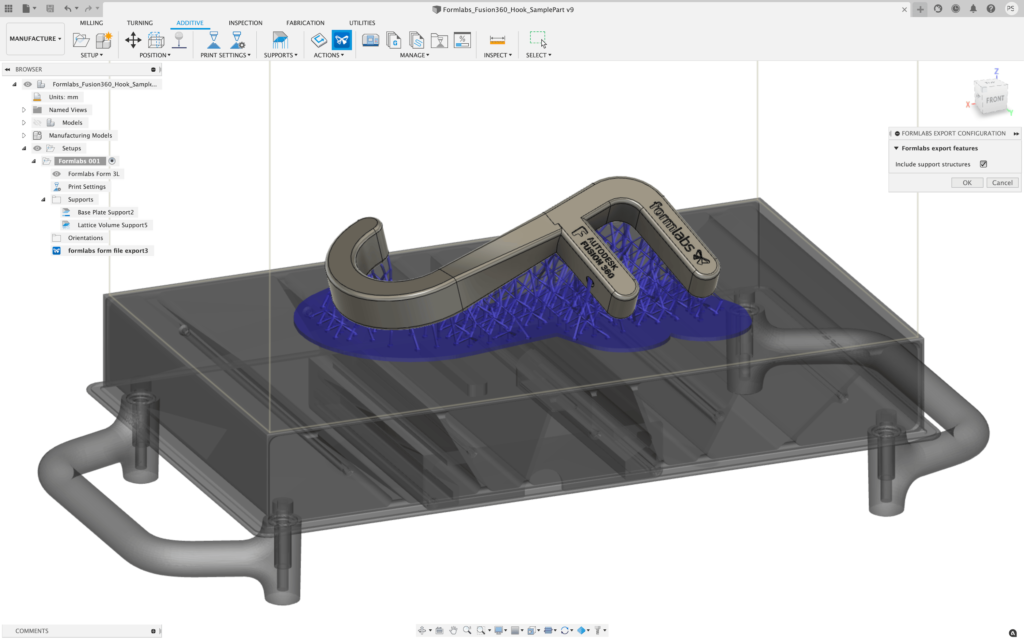
While not a slicer, Autodesk Fusion 360 is one of the most popular CAD tools among Bambu Lab users. Free for personal use, it combines parametric design, surface modeling, and mechanical assemblies in one platform.
Many makers design their models in Fusion 360 and export them as STEP files for smoother results in Bambu Studio or Orca Slicer. Its strong learning resources and professional-grade tools make it ideal for creating precise, print-ready models.
Final Thoughts
Whether you prioritize ease of use, advanced tuning, or professional design, Bambu Lab printers work best when paired with the right software. Bambu Studio and Orca Slicer are top choices for slicing, while Ultimaker Cura and Fusion 360 add flexibility and design power to your workflow.
Choosing the right combination will significantly improve your print quality, efficiency, and overall 3D printing experience.