3D printing is evolving fast, and one of the most talked-about features in modern printers is AMS. If you’ve seen this term while researching printers or reading guides, you might be wondering: What is AMS in 3D printing?
In this guide, you’ll learn what AMS means, how it works, and whether you actually need it. We’ll also compare it with non-AMS setups so you can make a better decision.
What Does AMS Mean in 3D Printing?
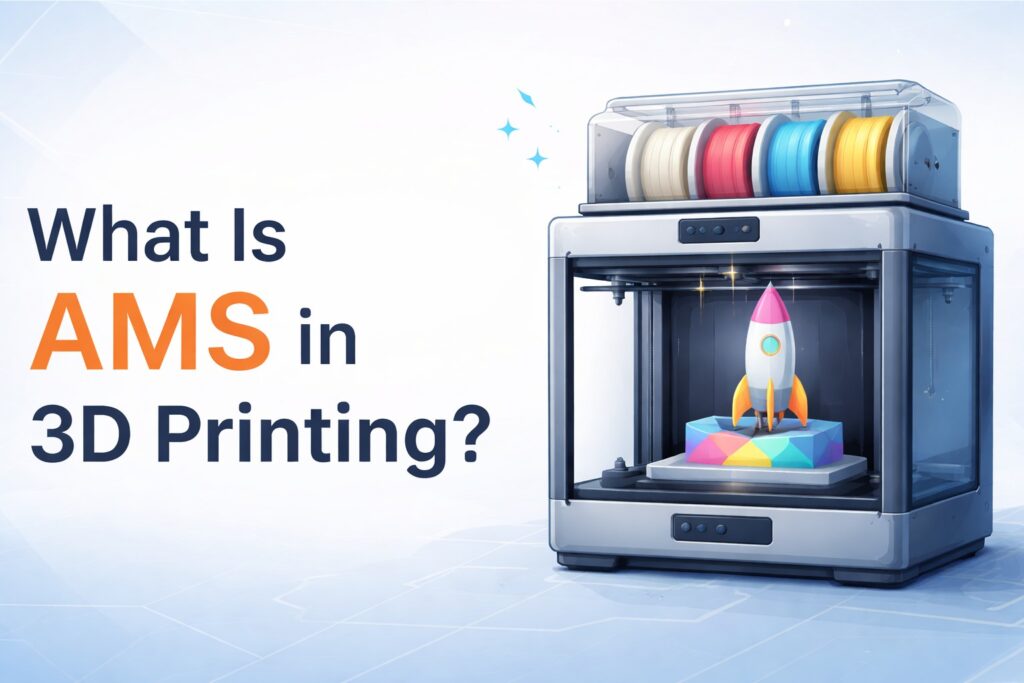
AMS stands for Automatic Material System. It is a system designed to automatically manage multiple filaments in a 3D printer.
Instead of manually swapping filament spools, AMS allows your printer to:
- Load and unload filaments automatically
- Switch between different colors or materials
- Store multiple filaments in one unit
This feature is commonly found in advanced printers like those from Bambu Lab.
How Does AMS Work?
An AMS unit connects to your 3D printer and holds multiple filament spools (usually 4 or more). The system uses motors, sensors, and internal feeders to control filament movement.
Here’s how it works step by step:
- You load multiple filaments into the AMS
- The printer receives instructions from the slicing software
- When needed, the AMS switches filament automatically
- Printing continues without manual intervention
This allows for multi-color printing and multi-material prints with minimal effort.
Benefits of Using AMS
Using an AMS system can significantly improve your workflow.
1. Multi-Color Printing Made Easy
You can print models with multiple colors in a single job—no need to pause and swap filament manually.
2. Convenience and Automation
AMS eliminates constant supervision. Once the print starts, the system handles filament changes for you.
3. Cleaner Filament Management
Filaments are stored in a controlled environment, which helps reduce moisture exposure.
4. Reduced Print Interruptions
No manual filament swaps means fewer mistakes and smoother prints.
Drawbacks of AMS Systems
AMS is powerful, but it’s not perfect.
- Higher Cost: Printers with AMS are more expensive
- Material Limitations: Some flexible or specialty filaments may not work well
- Maintenance Required: More moving parts mean more things that can fail
AMS vs No AMS in 3D Printing
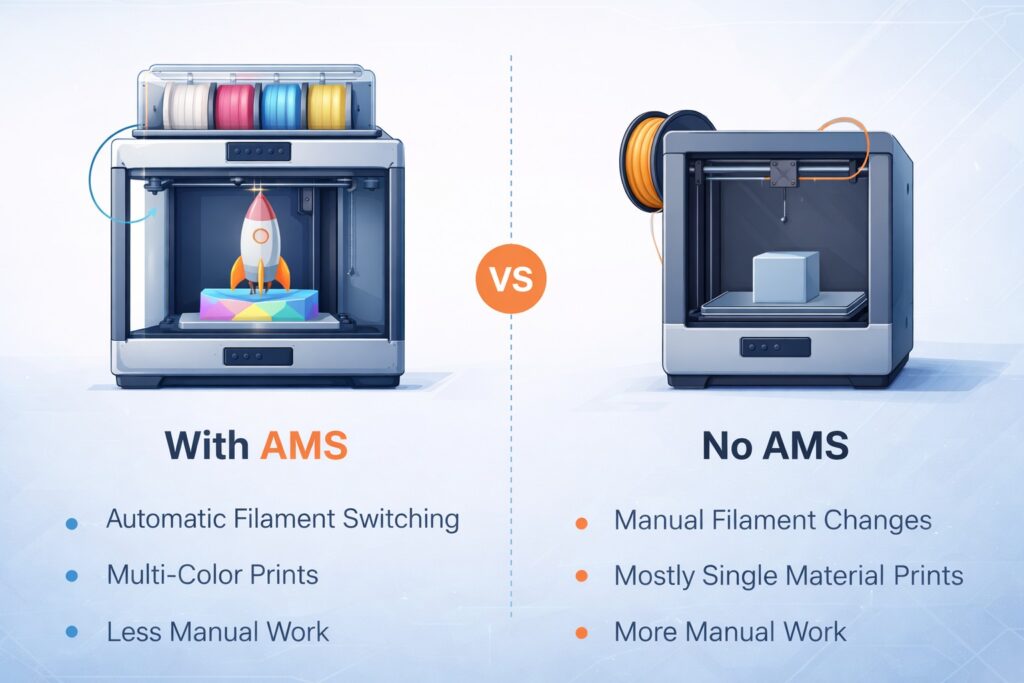
If you’re unsure whether you need AMS, it’s important to understand the difference between AMS and non-AMS setups.
With AMS:
- Automatic filament switching
- Multi-color prints are easy
- Less manual work
Without AMS:
- Manual filament changes
- Limited to one material at a time (mostly)
- More control but less convenience
For a deeper comparison, check this detailed guide:
👉 https://corb3d.com/what-does-no-ams-mean-in-3d-printing/
This article explains the limitations and advantages of printing without an AMS system.
Do You Really Need AMS?
The answer depends on your use case.
You should consider AMS if:
- You want multi-color prints
- You value automation and convenience
- You run long or complex print jobs
You may not need AMS if:
- You print simple, single-color models
- You want to keep costs low
- You prefer manual control
Best Use Cases for AMS
AMS is especially useful for:
- Decorative models
- Figurines and collectibles
- Multi-color prototypes
- Functional parts using different materials
If you want to test multi-color designs, you can start with ready-to-print models here:
👉 https://corb3d.com/product-category/free-stl-files/
These free STL files are perfect for experimenting with AMS capabilities.
Final Thoughts
AMS in 3D printing is a game-changing feature that brings automation, efficiency, and creativity together. While it’s not essential for everyone, it can dramatically improve your printing experience—especially if you work with multi-color or complex designs.
If you’re just getting started, understanding both AMS and non-AMS workflows will help you choose the right setup for your needs.