If your Bambu Lab A1 Mini extruder is clicking and not extruding, don’t panic. This problem usually means the printer is trying to push filament forward, but something in the filament path is stopping it. The clicking sound often comes from the extruder gear skipping on the filament because the nozzle, hotend, or filament route is creating too much resistance.
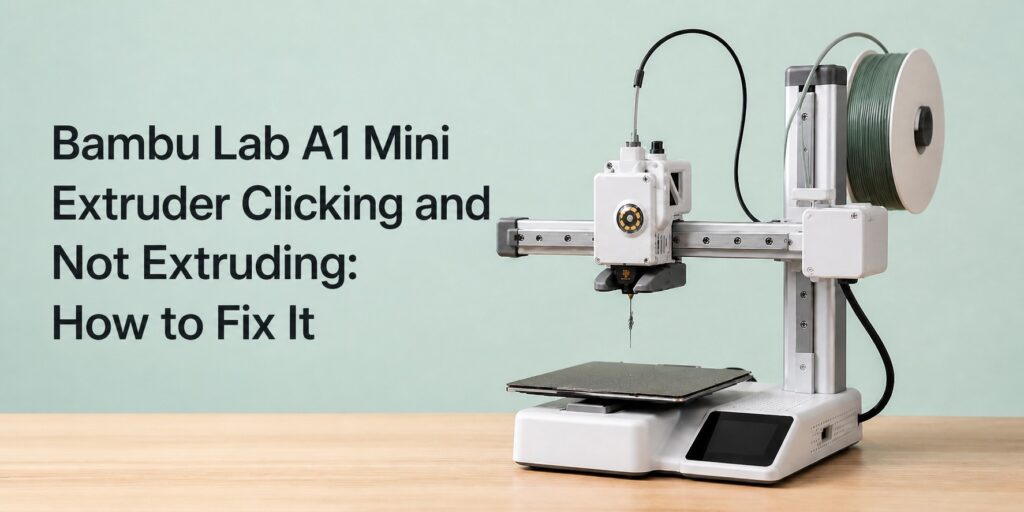
The good news is that this issue is usually fixable without replacing major parts. You just need to find where the filament flow is being blocked.
What Causes the Clicking Sound?
On the A1 Mini, the extruder motor pushes filament toward the hotend. When everything works correctly, the filament melts and flows smoothly through the nozzle. But if the filament cannot move, pressure builds up. The extruder gear keeps trying to feed it, then slips, making a repeated clicking noise.
This can happen after changing filament, printing at the wrong temperature, using old or brittle filament, or when a small piece of plastic gets stuck inside the extruder. A partial nozzle clog is also one of the most common reasons.
1. Check Your Nozzle Temperature First
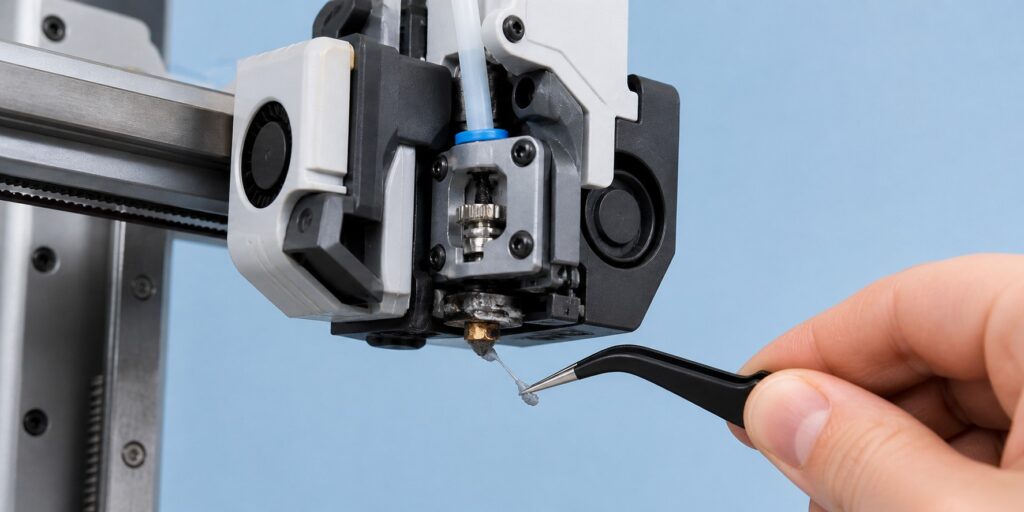
Before disassembling anything, check the temperature. If you are printing PLA too cold, the filament may soften but not melt enough to flow properly. For PLA, try increasing the nozzle temperature by 5–10°C and manually extrude filament from the printer menu.
If the filament comes out thin, curly, uneven, or not at all, you are likely dealing with a partial clog.
2. Unload and Inspect the Filament
Unload the filament and look at the end. If it is chewed, flattened, swollen, or dusty, cut off the damaged part and reload it. Also make sure the spool turns freely. Sometimes the printer sounds like it has an extruder problem, but the real issue is a tangled spool or too much pull resistance.
3. Clear the Nozzle
Heat the nozzle and try pushing filament through manually. If flow is weak, use cleaning filament or perform a cold pull. This can remove burnt plastic or small debris inside the nozzle.
If you recently printed PETG, silk PLA, matte PLA, or glow filament, clogging is more likely because these materials can leave residue or contain additives.
4. Clean the Extruder Gear Area
If the extruder has been clicking for a while, the gear may have ground the filament. This creates small plastic dust inside the extruder. Turn off the printer, remove the filament, and carefully inspect the gear area. Clean any filament particles with tweezers or compressed air.
5. Check the Hotend and Filament Path
If the nozzle is clean but the A1 Mini still does not extrude, remove and reinstall the hotend. Make sure it is seated correctly. Also check that there is no broken filament stuck between the extruder and hotend.
Final Test
After cleaning everything, load a fresh piece of PLA and manually extrude 20–30 mm of filament. A healthy nozzle should produce a smooth, steady line of plastic. If the clicking stops, run a small test print before starting a long job.
In most cases, the Bambu Lab A1 Mini extruder clicking but not extruding issue is caused by a clog, low temperature, damaged filament, or debris in the extruder gear. Start with the easy checks first, then move deeper only if needed.+
You can also follow Bambu Lab’s official A1 Mini extruder clog cleaning tutorial.
After fixing your extrusion issue, you can test your printer with a clean animal model like this Realistic Fox STL File.