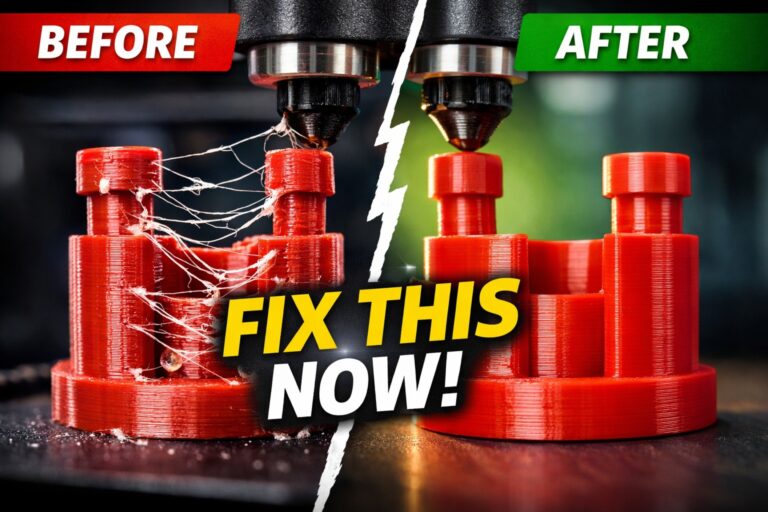
If you have upgraded to the Anycubic Kobra 2 series (Neo, Pro, Plus, or Max) for its impressive 300-500mm/s speeds, you might have encountered the dreaded Layer Shifting issue. At these high velocities, even a minor mechanical misalignment can cause the print head to skip steps, resulting in a ruined model that looks like it has been sliced and shifted horizontally.
The primary culprit is almost always related to the mechanical drive system—specifically the belts and V-slot rollers.
Understanding Layer Shifting at High Speeds
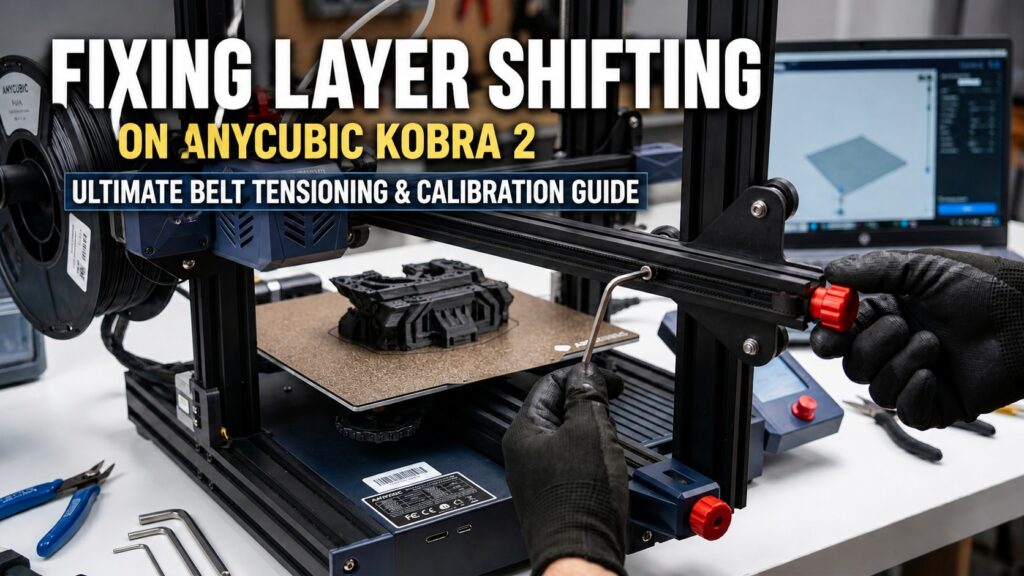
Layer shifting occurs when the stepper motor loses its position. On the Anycubic Kobra 2, the X and Y axes are under significant stress due to rapid acceleration. If your belt is too loose, it will “jump” teeth on the pulley. If it is too tight, it creates excessive friction, causing the motor to overheat or stall.
Step 1: The Art of Belt Tensioning
The Kobra 2 series comes with convenient knob-style tensioners.
- X-Axis: Locate the red knob on the right side of the gantry. Turn it clockwise to tighten.
- Y-Axis: The tensioner is located at the front of the printer, under the bed.
- The “Pluck” Test: A properly tensioned belt should sound like a low-pitched guitar string when plucked. It should be firm but still allow you to press the two sides of the belt together with moderate finger pressure.
Step 2: Checking the V-Slot Rollers and Eccentric Nuts
High-speed printing can loosen the eccentric nuts that hold the print head and the bed in place.
- Check the print head (X-axis) and the heatbed (Y-axis) for any “wobble.”
- If you feel a shake, use the included wrench to slightly turn the eccentric nut (the hexagonal spacer between the wheel and the frame) until the movement is smooth but secure.
Step 3: Slicer Settings and Acceleration
Sometimes the hardware is fine, but the “jerk” settings are too high. If you still experience shifting after tightening your belts, try reducing your Initial Layer Acceleration in your slicer (Cura or Anycubic Next). Lowering the travel speed from 500mm/s to 400mm/s can often eliminate shifting on complex, heavy models without significantly increasing print time.
Conclusion
Maintaining an Anycubic Kobra 2 requires a proactive approach to mechanical checks. By balancing your belt tension and ensuring your eccentric nuts are snug, you can enjoy the full speed of your printer without the frustration of layer shifts. Regular maintenance every 50-100 printing hours is recommended to keep these high-speed machines in top shape.
For more advanced troubleshooting and to access the official firmware updates for your machine, you can visit the official Anycubic Support Center. Staying updated with the manufacturer’s latest technical bulletins is essential for maintaining peak performance and ensuring the longevity of your high-speed 3D printer components.