Getting ultra smooth decorative prints with the Bambu Lab P1S requires more than just using default settings. While the printer is known for its high-speed capabilities, achieving a flawless surface finish depends on slowing down the right parameters while maintaining efficiency elsewhere. (Bambu Lab P1S speed settings)
For decorative models such as figurines, vases, and display pieces, the goal is to minimize visible layer lines, ringing, and imperfections. This can be achieved by optimizing speed settings specifically for surface quality rather than overall print time.
Recommended Speed Settings for Smooth Prints
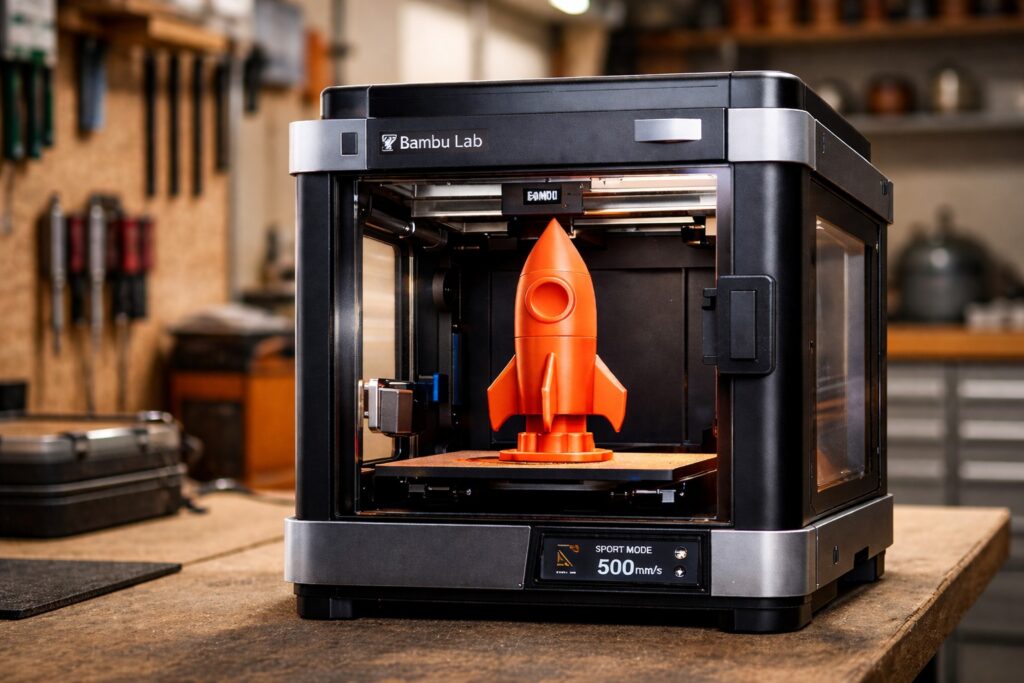
To get the best results, you should adjust your speed settings in Bambu Studio as follows:
- Outer Wall Speed: 40–60 mm/s
- Inner Wall Speed: 80–120 mm/s
- Top/Bottom Speed: 40–60 mm/s
- Infill Speed: 120–180 mm/s
- Travel Speed: 200–300 mm/s
The most important setting here is the outer wall speed. Slowing this down ensures a cleaner and more consistent surface finish. Meanwhile, keeping infill speed higher helps reduce total print time without affecting visible quality.
Optimize Layer Height for Better Surface Quality
Layer height plays a major role in print smoothness. For ultra detailed decorative models, using a lower layer height is essential.
- Use 0.08–0.12 mm layer height
- Stick with a standard 0.4 mm nozzle
- Enable adaptive layer height for complex geometries
Lower layer heights result in finer details and smoother curves, especially on organic shapes.
Adjust Acceleration and Motion Settings
Even though the Bambu Lab P1S includes advanced vibration compensation, reducing acceleration can further improve surface quality.
- Set acceleration between 5,000–8,000 mm/s²
- Avoid extreme speed modes like Ludicrous
- Use Standard mode for best balance
Lower acceleration reduces ringing and ghosting, which are common issues in decorative prints.
Enable Advanced Features for a Premium Finish
To push your print quality even further, consider enabling these features:
- Ironing for smoother top surfaces
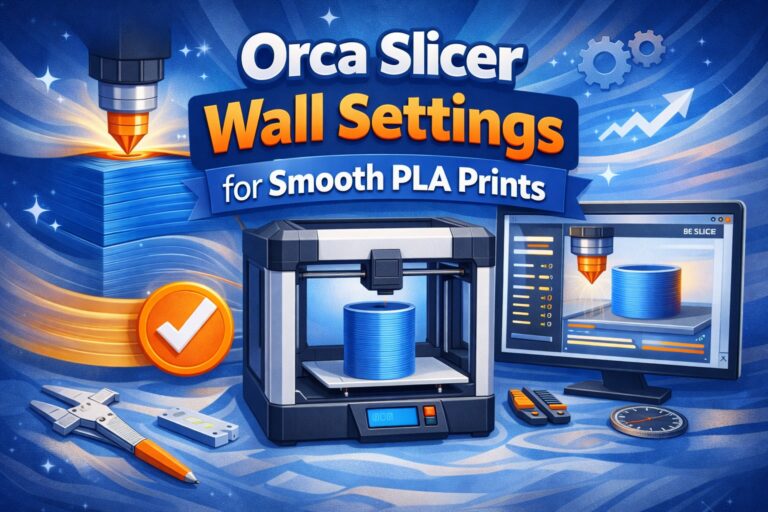
- Increase wall count to 2–3 walls
- Fine-tune cooling for consistent extrusion
These small adjustments can make a noticeable difference in the final appearance of your prints.
Final Thoughts
The best Bambu Lab P1S speed settings for ultra smooth decorative models focus on precision rather than raw speed. By slowing down outer walls, reducing layer height, and optimizing acceleration, you can achieve a professional-quality finish without significantly increasing print time.
If your goal is to create high-quality display pieces, these settings provide the perfect balance between detail and efficiency.